How To Make A Payment
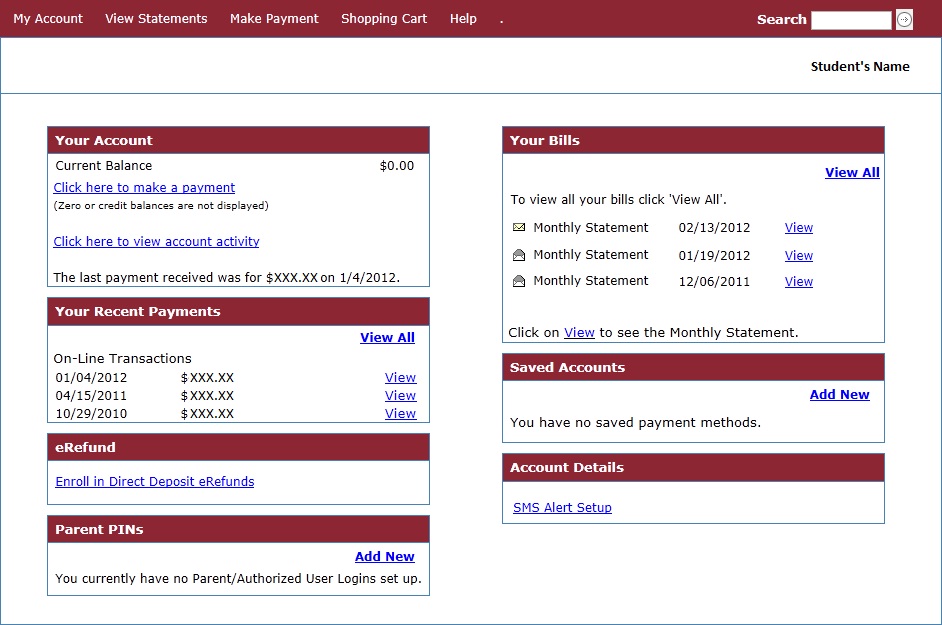
To make a payment online, log on to one.bellarmine.edu. Then select STUDENT on the
left and then FINANCIAL INFORMATION. There your screen should look like the image
below. From here, you can also view recent account activity.
*Note: All credit card payments must be made online.